Small details.
A better starting point.
- Subject
- Hank Aaron
- Maker / Brand
- Topps
- Year
- 1967
- Card Number
- 250
Suggested details, ready for your review.
 Download Vitrine
From a set number to an inscription, Vitrine’s AI helps turn your photos into a detailed record. Review what it finds, then make the title and description your own.
Suggested details, ready for your review.
A title and description built from the details you confirm.
Shown with a real collectible from Vitrine. Example details are taken from the photographed card and label.
Built by collectors who know the work behind a good record. Reading the label. Finding the right fields. Writing it all down. Looking Glass gives you a head start on the next piece.
You create the record, find the facts, write the description, and keep the photos connected.
Add photos, review what Looking Glass finds, and finish your entry. The details stay with the piece.
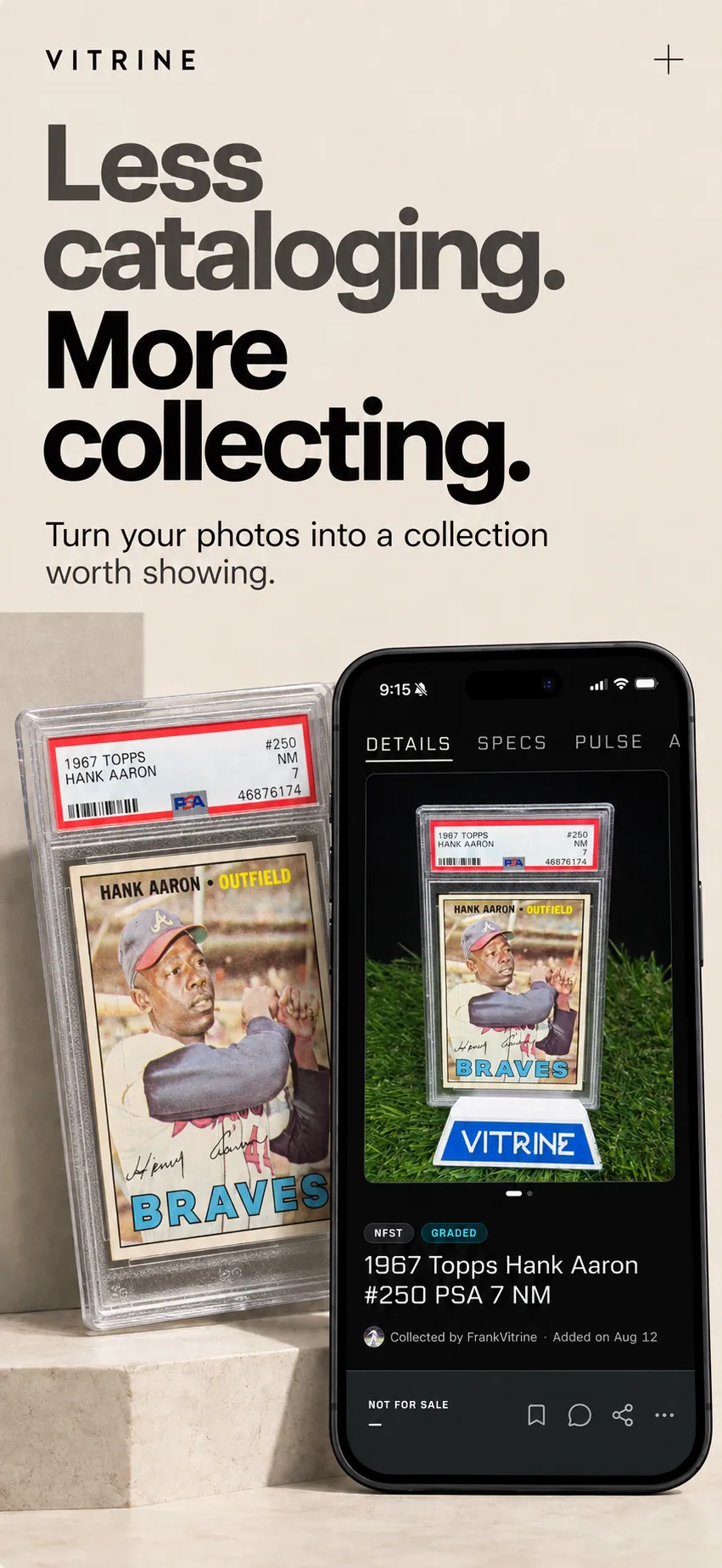
Follow the clues on this Hank Aaron card, try an edit, and see how the details become a listing.
ONE PIECE. FROM START TO FINISH.
Meet a real collectible from Vitrine: a 1967 Topps Hank Aaron card. In the app, add clear photos of your piece, its details and any certificates.
This example already has a photo. Give it a try.
Interactive example · Real collectible, sample text. No photos are uploaded and nothing is saved.
START WITH THE PIECE
Add clear photos of your collectible, its details and any certificates.
In the app: up to 7 photos. The first photo is your cover.
A closer look at the Vitrine experience.
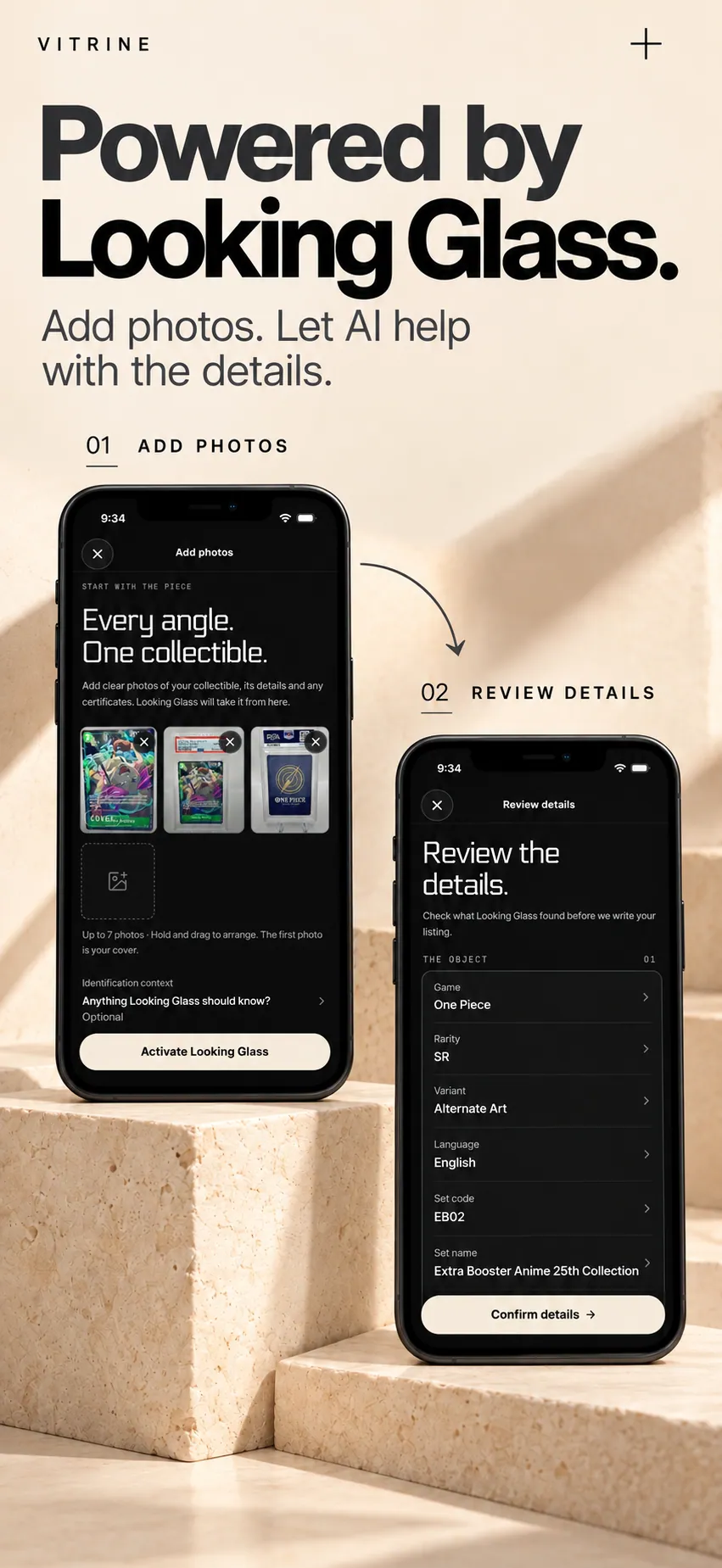
A card’s set and rarity. A figure’s character and variant. A signed piece’s inscription. Looking Glass organizes details for the kind of item in front of it.
Less hunting for the right fields. More attention on the details that make your piece yours.
Check what it finds. Add what you know. Correcting a detail is part of the process.
The title and description arrive ready to edit. Make them sound right for your piece.
Collector-made changes to details are labeled, so other people can see where the information came from.
Good photos help. Your review matters. And you’re always in control of the final entry.
Start with a clear photo of the whole collectible. Add other angles and close-ups of labels, markings, packaging, or certificates when you have them. You can add up to seven photos of the same piece. The first photo is your cover.
You review the suggested details before the listing is written. Correct a field, add something missing, or remove an incorrect detail. Your confirmed information becomes the basis for the title and description, and you can edit those too.
No. Looking Glass helps identify and catalog your piece. A grade or certificate visible in a photo can be recorded, but that is not an independent authentication or appraisal.
When you choose to use Looking Glass, your selected photos and the context you provide are processed by Vitrine and third-party AI services to help identify and describe the collectible. The app asks for your permission before AI processing. Your collection’s visibility is a separate choice. Read our privacy policy.
Yes. Go back to the details and make your changes. Looking Glass writes a fresh title and description from the updated information, replacing any wording you edited. If you don’t change the details, your existing listing stays as it is.
You bring the collectible.
Looking Glass helps with the details.