What your spreadsheet was trying to be.
Dynamic fields by subcategory. Gallery-quality presentation. Consolidated comps. Collection-as-identity community. Tracking that actually does something. Messaging with the catalog in the room. Everything below is live — open the app and test any of it.
The fields change
because the items are different.
A game-worn jersey and a factory-sealed box share a category label on every other platform. In Vitrine, they surface completely different documentation — because they require completely different documentation.
Select a subcategory and the fields appear: a game-worn jersey asks for era, team, authentication provider, wear documentation, and photo-matching status. A sealed box — production year, seal condition, print run. You've been building these distinctions in spreadsheet columns for years. The architecture already has them.
Two paths in.
Same depth out.
Trading cards and one-of-a-kind memorabilia enter the catalog differently. Both arrive at the same place — field-level documentation and gallery-quality presentation.
Trading Cards
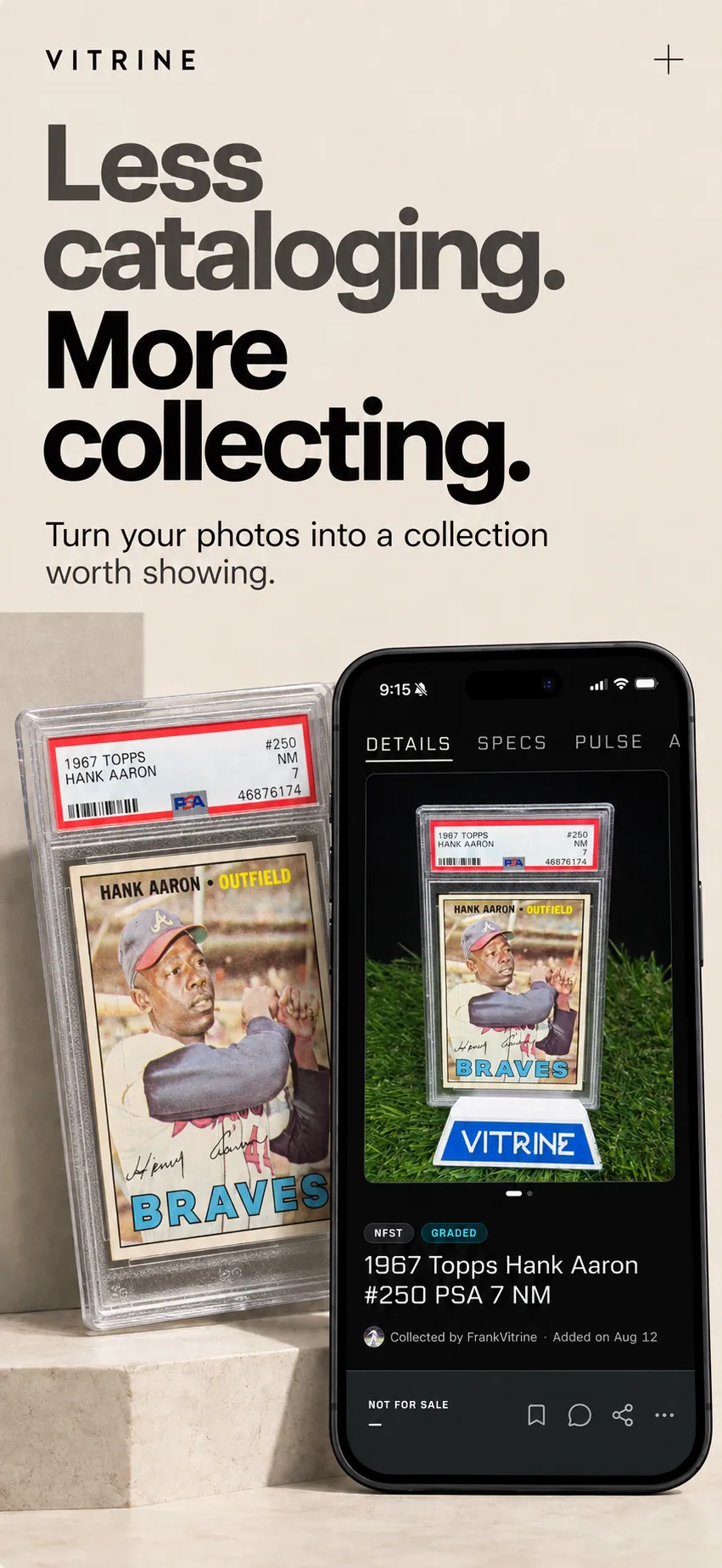
Point your camera at any trading card. Vitrine identifies it — set, year, player, variant — and populates the fields. Grading info and comp data map automatically.
Memorabilia and one-of-a-kind items
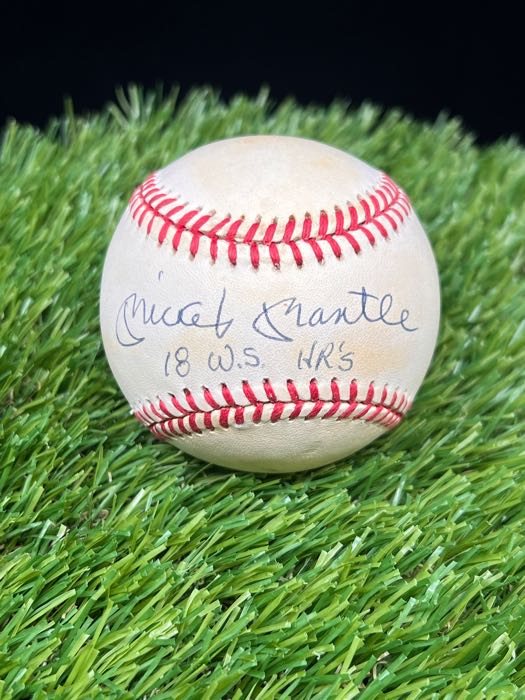
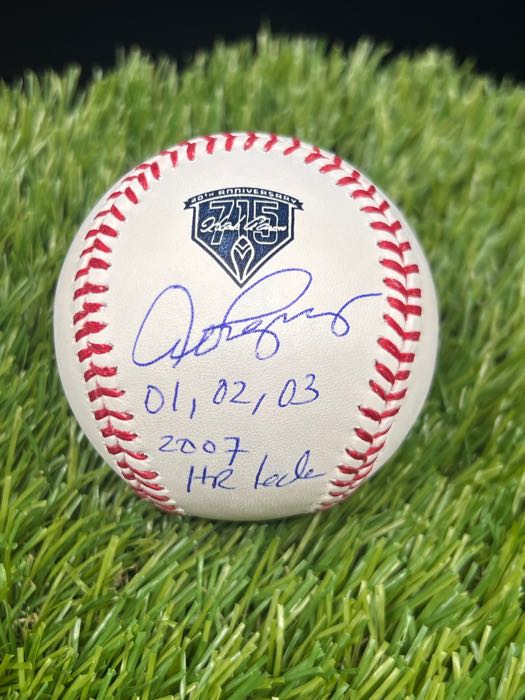
Start with title, photos, and status. The subcategory-specific fields surface from there — provenance, authentication, wear documentation, game attribution, condition specifics. As deep as the piece requires.
Two entry points. One documentation standard. The scan gets you in faster. The manual path goes as deep as the piece requires. Both resolve to gallery-quality output — because the entry method shouldn't determine how well your collection is documented.
Your pieces, the way
they look in your head.
A thumbnail grid communicates none of the care that went into building your collection. Showcases present your pieces with gallery-quality treatment — arranged the way you'd walk someone through them in person.
Build as many as you want. Organize by category, by era, by story. Set them public or private. Share with a link that displays your curation — not a marketplace thumbnail, but a curated exhibition. Manual showcases let you hand-pick every piece. Smart showcases filter automatically and update as your catalog grows.
Manual or smart
Hand-curated or auto-filtered, both gallery-quality
Public or private
Your call on every showcase
Shareable links
Anyone can view, no account required
Custom ordering
Arrange pieces in the sequence that tells the story
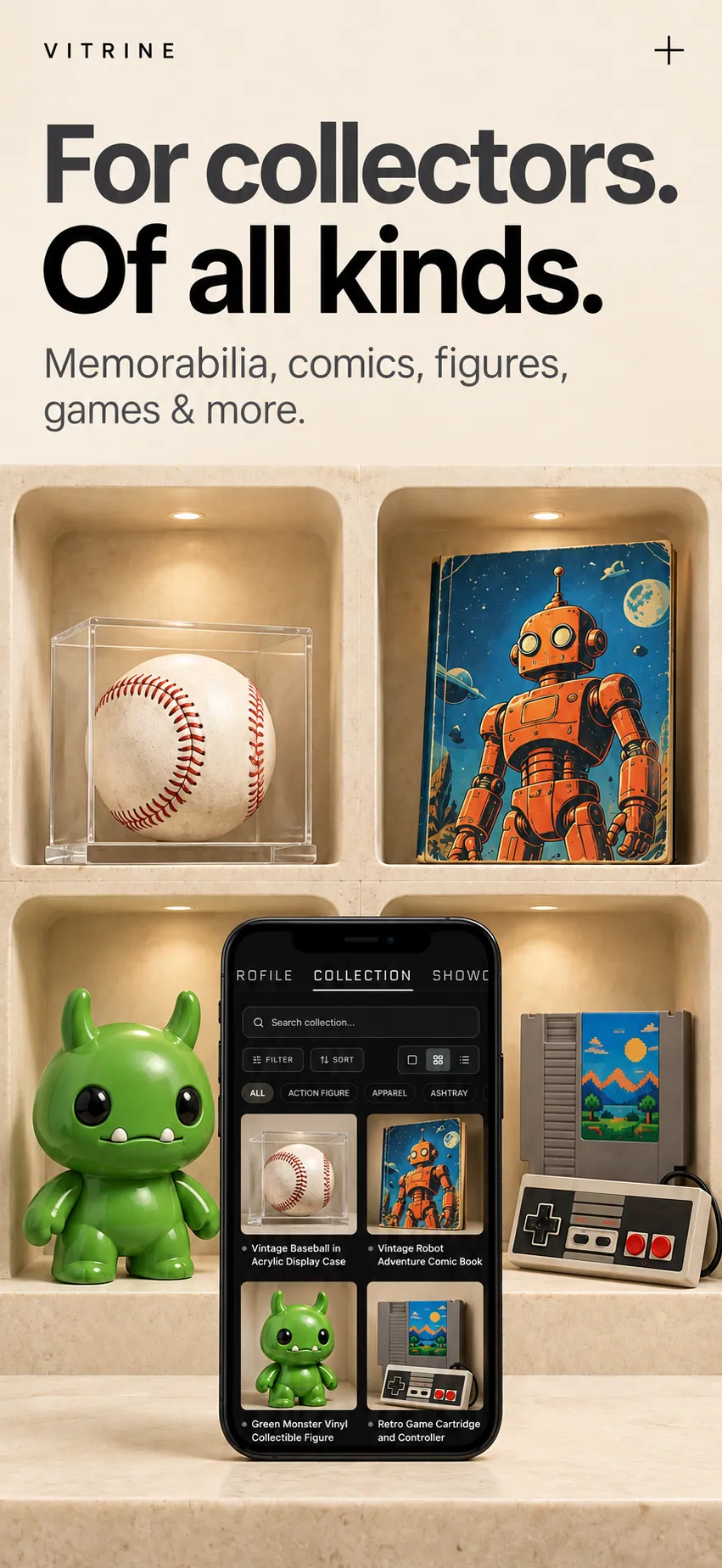
Three views. Same collection.
Spatial view
Large cards with rich detail for appreciating each piece.
Grid view
Compact thumbnails for browsing the full catalog.
List view
Dense, scannable rows for finding something specific.
Switch depending on what you're doing. Admiring, browsing, or searching — the catalog adapts to your intent.
The want list
that actually does something.
You maintain running want lists across platforms — ISO posts, saved eBay searches, mental notes that occasionally fail at the worst moment. Tracking puts them in one place and watches for you.
Track any item on Vitrine — whether you own it or not. Tag your intent privately: actively looking, watching the price, researching, or just paying attention. Set alerts for what matters. Price crosses a threshold, status changes, something you've been watching becomes available — the signals you set are the only signals you get.
Actively looking to acquire
Monitoring for the right moment
Gathering information
Paying attention, no specific intent
Three browser tabs, one Sunday night, zero reasons to keep doing it.
Vitrine consolidates comp sources and maps recent sales to your specific variant, condition, and authentication status. A PSA 9 Jordan rookie shows what PSA 9 Jordan rookies actually sold for — not what “Jordan cards” are averaging.
If a piece doesn't have enough comp data, you see that. Not a guess. Not “similar items.” Nothing — because nothing is more honest than a number that isn't real.
Not a feed. A command center for what you collect.
Your home screen shows what matters right now — collection status, items you're tracking, and action items that need a decision. No scrolling for relevance. The signals come to you.
Your collection at a glance
Total value, movement this week, items cataloged, items listed — one view.
Tracking
Items you're watching, with the signals that matter: price drops, status changes, availability.
Action items
Offers on your listed items. Alerts you set. Surfaced, not buried in a notification you already swiped past.
A feed shows you what the platform wants you to see. A command center shows you what your collection needs you to know.
One link to your collection.
One link to any piece in it.
Every level of your Vitrine presence has a shareable URL. Drop it in a forum post, a Facebook Group reply, a DM. Your collection travels with you as a link, not a screenshot.
Profile
Your full collector identity in one URL. Bio, forum signature, email — one link.
Showcase
A curated view of a specific slice. Shareable anywhere. No account required to view.
Individual item
The piece itself — photos, details, status. When someone asks for a closer look, this is the link.
Conversations with the collection already in the room.
When you message another collector on Vitrine, the collection is the context. Attach any item or showcase directly to a message — the actual catalog entry, not a screenshot. See something in a showcase, message the owner directly — no hunting for a username on another platform.
Conversations live alongside the items they're about. The piece you're discussing is rendered inline with its full details, because the conversation and the catalog are the same environment.
Your collection is your identity here. Not your comment history. Not a social feed.
In most collecting communities, you're known by your posts. In Vitrine, you're known by your collection — your showcases, your categories, your depth. That's your profile. One URL that functions as your collector identity anywhere you share it.
Join groups organized around what you collect. Browse by category or interest. Conversations carry the collection as context — attach items and showcases directly. Public groups are open to anyone. Private groups exist for tighter circles.
The communities complement the places you already participate — your Facebook Groups, your Discord servers — by adding a layer where the collection itself is visible in every interaction.
What your collection says
when you're not in the conversation.
Every item in your catalog carries a status — visible to anyone who views it. No ambiguity about what's available and what isn't.
Not for sale or trade. Displaying only.
Actively selling.
Open to trade offers.
Open to selling or trading.
The status removes the guesswork. A collector viewing your showcase knows immediately which pieces are available and which aren't leaving — before they message, before anyone's time is wasted on a piece that was never on the table.
Every feature on this page is live.
Here's what's next.
Everything described above is in the app today — download and test any of it. The features below are in development, with honest timelines.
In development
Marketplace — collector-to-collector transactions with authentication integration
Verification Hub — connecting collectors with vetted authenticators
If it's described as live on this page, open the app and verify. If it's listed as coming, that's where it is. We'd rather draw the line than let you discover it yourself.
Built for how you
actually collect.
Free on iOS and Android. No credit card. No item limits.